

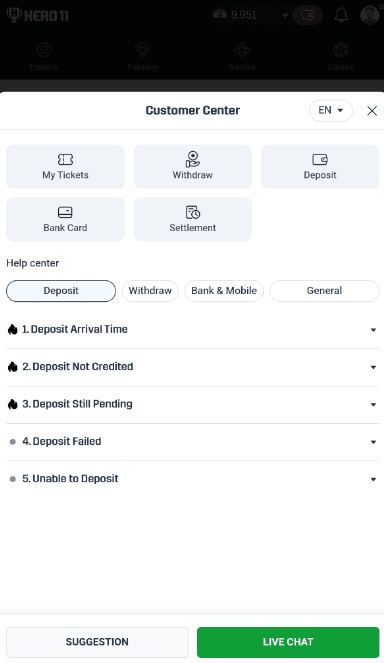
Deposit Not Showing
Prepare the amount, date, time and payment reference. Note the status shown by both the payment provider and the app.
CONTACT & HELP
Choose support for an account problem, or the community channel for news and updates. Use the checklist below to explain your issue clearly.
ACCOUNT HELP
Get help with login, payment status, verification and bonus conditions. Prepare the relevant details before contacting support.
NEWS & UPDATES
Find game announcements, promotion updates and community discussion. For account problems, use the support channel instead.
MAKE YOUR FIRST MESSAGE COUNT
Start with a short description and the relevant reference. Avoid posting private account or payment information in a public group.
Prepare the amount, date, time and payment reference. Note the status shown by both the payment provider and the app.
Prepare the request ID, submission time and status. Check whether the account shows a verification request or a stated processing window.
Explain which login method you used and copy the exact error. Include your app or browser version and when access last worked.
Give the offer name, date and the requirement you need explained. Include the relevant rule text with personal information removed.
MESSAGE TEMPLATE
Replace the prompts with your details. Keep transaction records and identity documents out of public messages.
Issue: [What went wrong?]
Started: [Date and time, including time zone]
Using: [App/browser and device]
On-screen message: [Exact wording]
Already tried: [Relevant checks]
Request: [What would you like clarified?]
BEFORE YOU SHARE
ABOUT THIS WEBSITE
For RS9Bets content, prepare the page URL, what appears wrong and a supporting source if available. Account and payment disputes belong with platform support.
A separate RS9Bets editorial contact has not yet been published. The Telegram links above are listed for platform support and community use; they are not presented as our editors’ inbox.
Read About RS9Bets →CONTACT QUESTIONS